How Migration Emails Works
Migrating your data has never been easier. Follow our simple 6-step process to transfer emails, calendars, and contacts between any platforms in minutes.
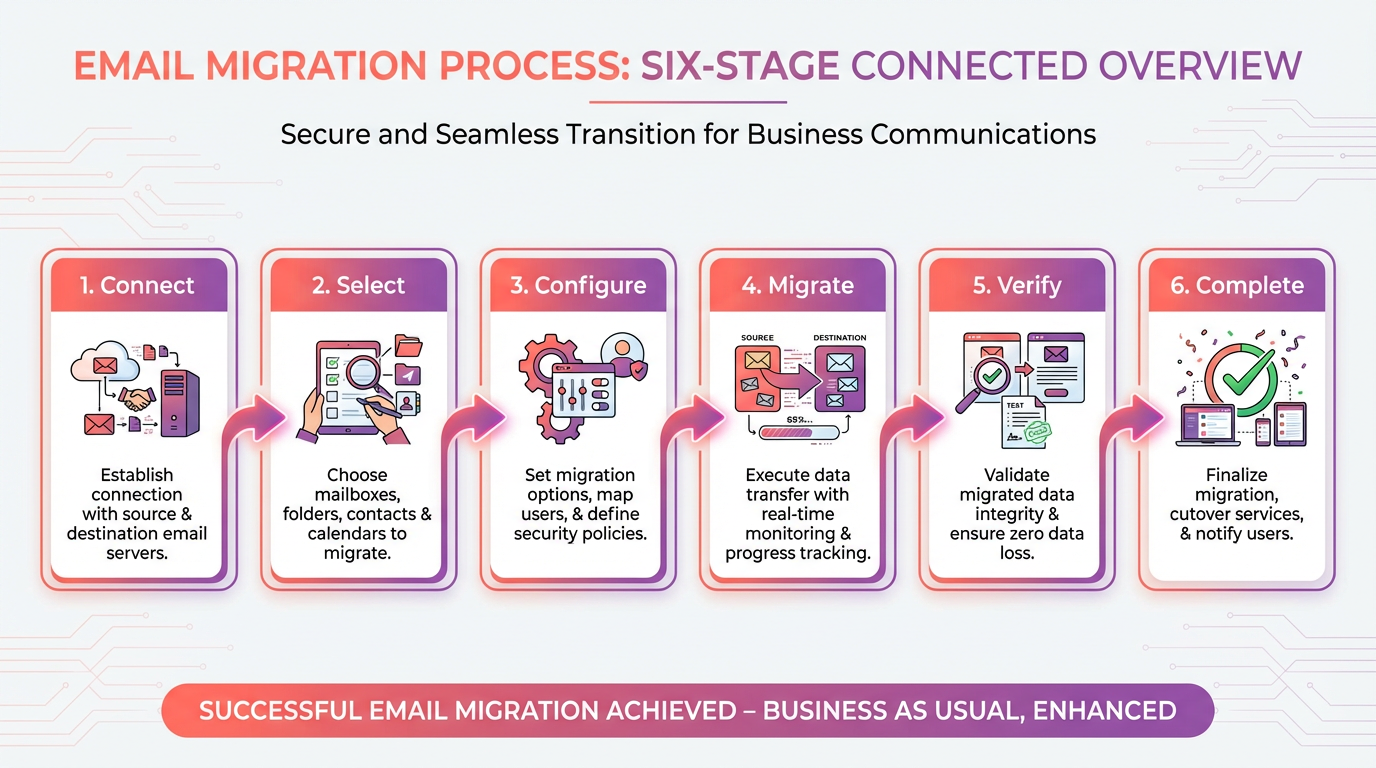
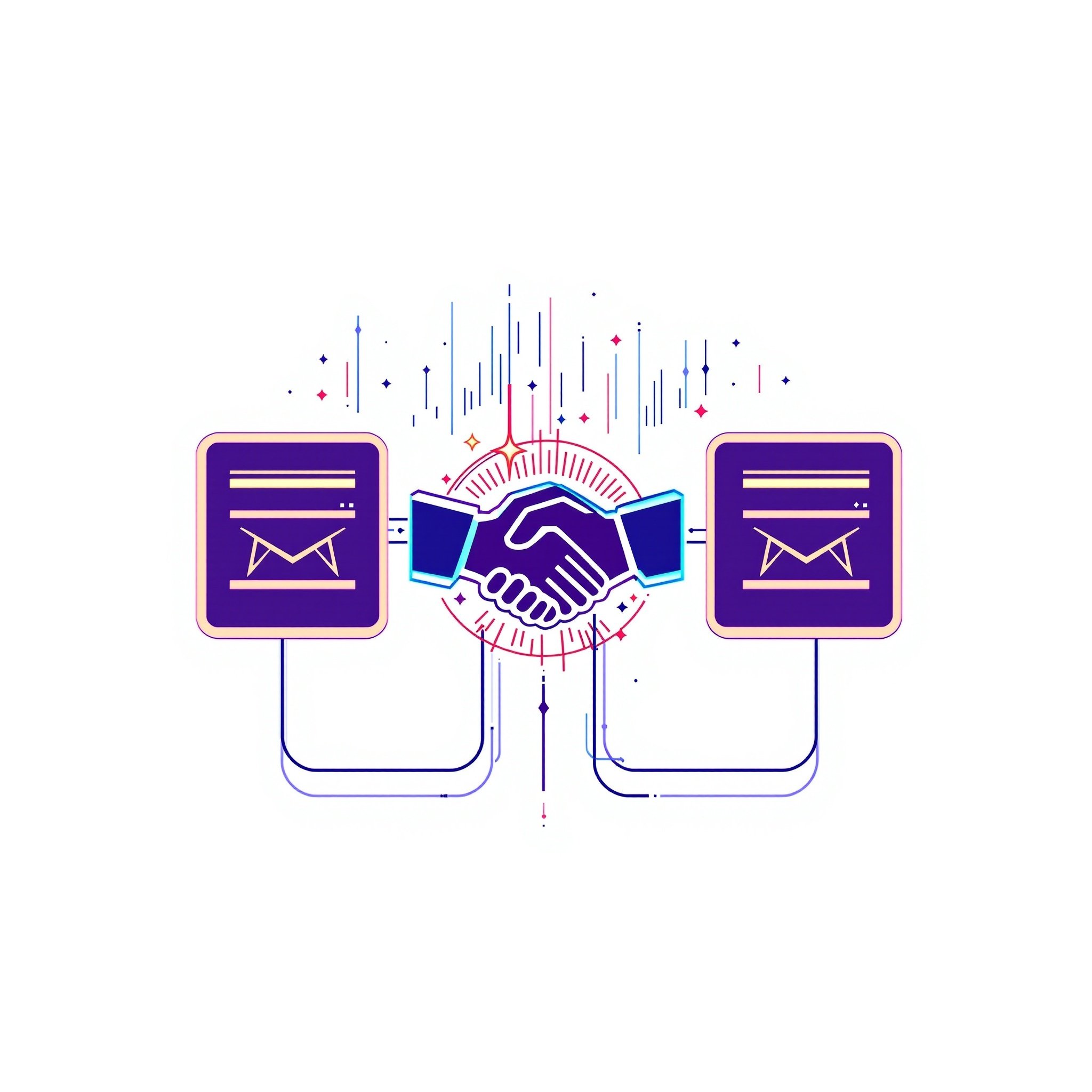
Connect Your Accounts
Securely authenticate both your source and destination platforms. We support Gmail, Outlook, Office 365, Google Workspace, and 20+ other services.
- OAuth 2.0 secure authentication
- No password storage
- Direct server-to-server connection
- Credentials never touch our servers
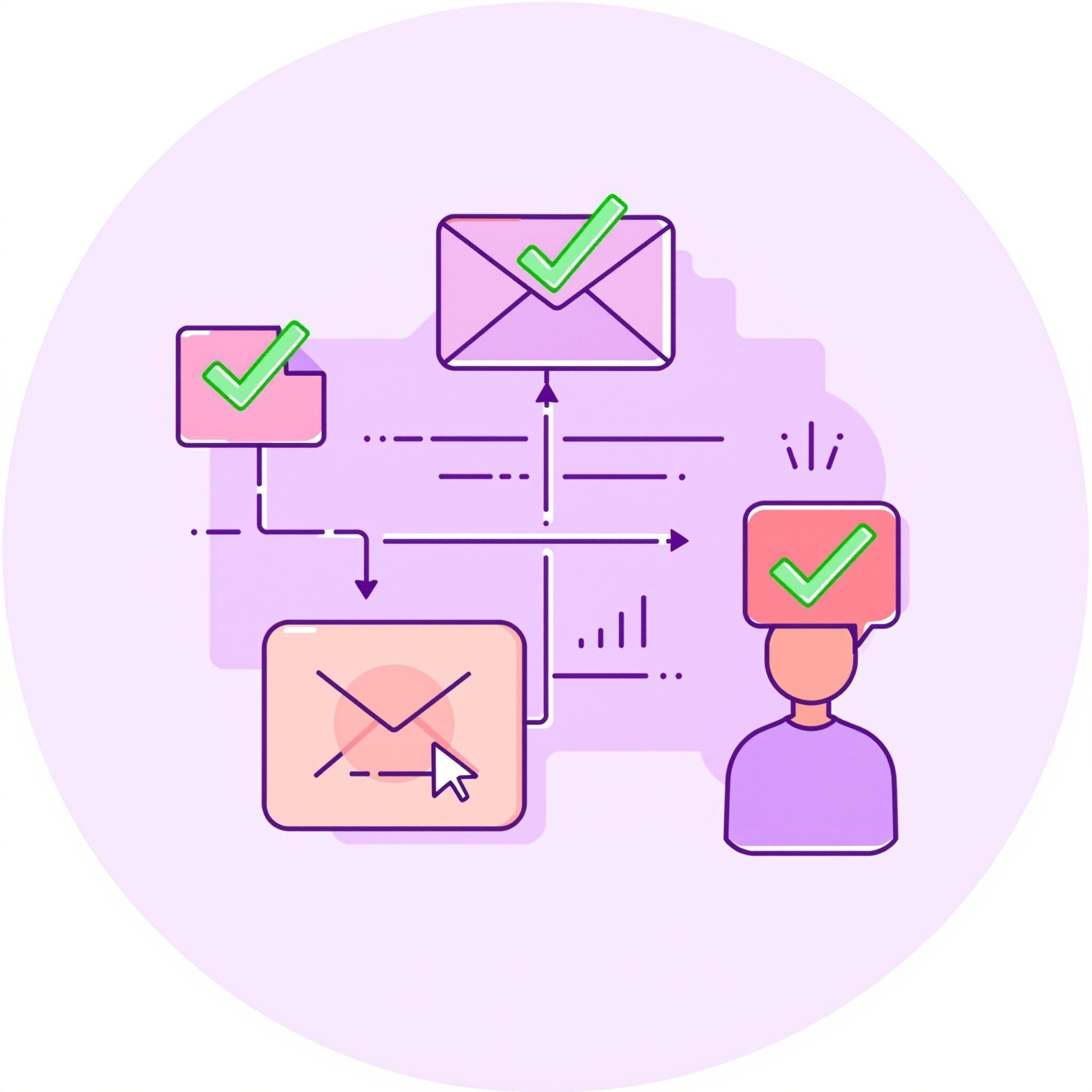
Select What to Migrate
Choose exactly what data you want to transfer. Migrate everything at once or select specific folders, calendars, or contact groups.
- Granular folder selection
- Date range filtering
- Exclude spam and trash
- Preview before migration
Configure Settings
Customize your migration with advanced options. Set up label mapping, folder structure, and migration priorities.
- Custom label/folder mapping
- Preserve folder hierarchy
- Maintain read/unread status
- Keep original timestamps

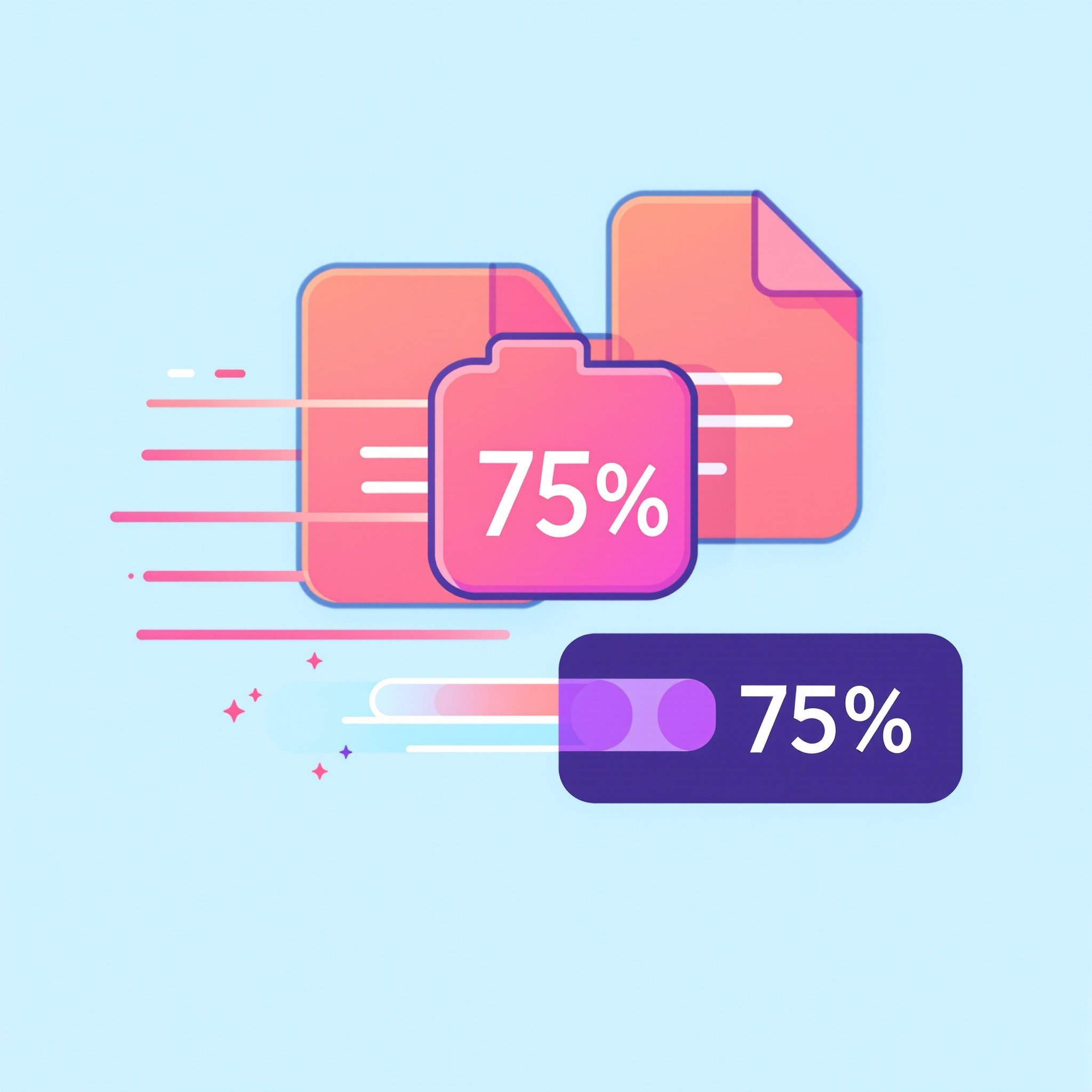
Start Migration
Sit back and relax while our optimized engine transfers your data at lightning speed. Monitor progress in real-time.
- Lightning-fast transfers
- Real-time progress tracking
- Pause and resume support
- Email notifications
Verify Data Integrity
Our advanced verification algorithms ensure 100% accuracy. Review detailed reports of transferred items.
- Automated integrity checks
- Item-by-item verification
- Detailed migration reports
- Error detection and handling

Complete & Celebrate
Migration complete! Access your data in the new platform immediately. All attachments, formatting, and metadata preserved.
- Zero data loss guaranteed
- Complete metadata preservation
- All attachments included
- Ready to use immediately

Frequently Asked Questions
Everything you need to know about the migration process
How long does a typical migration take?
Migration time depends on the amount of data. Most personal accounts (under 10GB) complete in 15-30 minutes. Larger enterprise accounts may take several hours, but our system works in the background so you can continue working.
Is my data secure during migration?
Absolutely. We use bank-grade encryption (TLS 1.3) for all data transfers. Your credentials are never stored, and we use OAuth 2.0 for secure authentication. All transfers are direct server-to-server with no intermediate storage.
What platforms do you support?
We support all major platforms including Gmail, Google Workspace, Outlook.com, Office 365, Exchange, iCloud, Yahoo Mail, AOL, and 20+ other services. Contact us for enterprise migrations between specialized platforms.
Can I migrate only specific folders or date ranges?
Yes! Our advanced filtering allows you to select specific folders, labels, calendars, or contact groups. You can also filter by date range, exclude spam/trash, and customize exactly what gets migrated.
What happens if the migration is interrupted?
Our system automatically saves progress and can resume from where it left off. If an interruption occurs, simply restart the migration and it will continue from the last successful checkpoint.
Will my folder structure be preserved?
Yes, we maintain your complete folder hierarchy, labels, read/unread status, flags, and all metadata. You can also customize label/folder mapping to match your destination platform naming conventions.
Ready to Get Started?
Try Migration Emails today with 1 free migration credit. No credit card required.